
AI assisted editorial. Published following automated quality checks, not independent fact verification. Confirm factual, safety and legal matters with appropriate professionals.
The short answer
Selecting reliable computer equipment for travel means balancing power efficiency, physical resilience, and daily utility. This guide explains how to assess computing hardware, external storage, and accessories for nomadic work, using commercial retail partner IT Supplies · UK as an example of a dedicated technology catalogue.
Key takeaways
- Verify whether mobile laptops and peripherals support modern USB C Power Delivery to simplify 12V vehicle charging.
- Prioritise solid state storage without moving parts to avoid data corruption caused by track vibration and dust ingress.
- Check physical dimensions and passive cooling requirements before integrating desktop components into tight vehicle enclosures.
- Clarify warranty definitions and return policies with the retailer when using consumer computing hardware on the road.
Evaluating Mobile IT and Technology for Overland Living
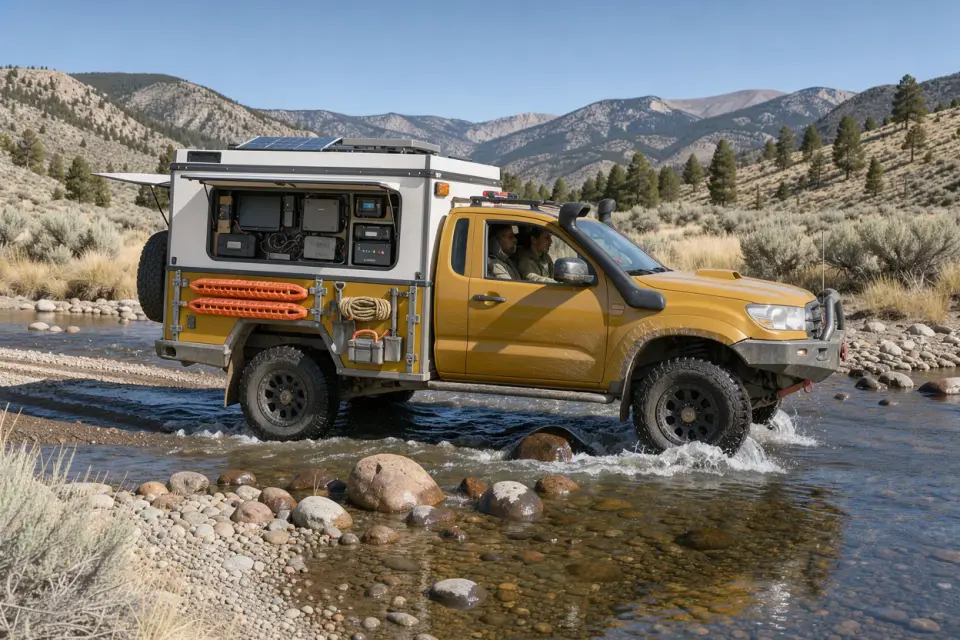
Setting up a reliable remote workspace in a campervan or overland rig involves different priorities from furnishing a standard home office. While raw processing power remains important for demanding workflows, secondary factors such as power consumption, charging flexibility, and resistance to environmental stress often dictate how well equipment performs in a vehicle.
When travelling away from mains electricity, your auxiliary battery bank and solar array dictate your operational runtime. Choosing energy efficient hardware helps protect your onboard power reserves. Opting for devices that charge directly over universal USB C Power Delivery standards eliminates the inefficiency of running an alternating current inverter just to top up a battery, streamlining your mobile workstation and reducing heat build up inside compact living areas.
Understanding Partner Sourcing: IT Supplies · UK
When sourcing computing equipment, specialist retailers offer access to comprehensive product ranges beyond high street consumer electronics. Our featured commercial partner, IT Supplies, provides an online catalogue via IT Supplies · UK comprising computers, laptops, PC components, data storage, and IT accessories. The merchant highlights these categories as convenient solutions for remote professionals seeking to maintain and support their devices while travelling.
As an independent editorial disclosure, this guide does not constitute a hands on technical review or product verification of individual inventory items supplied by IT Supplies · UK. Instead, their retail offering serves as a useful practical benchmark for the broad categories of office and computing hardware you will encounter when planning a digital mobile setup.
A Practical Comparison Framework for Travel Technology
To select the right setup without overspending on unnecessary specifications, consider evaluating any potential IT purchase against four distinct criteria: Power Source Flexibility, Mechanical Durability, Form Factor, and Data Redundancy.
Power Source Flexibility looks at the input voltage and adapter requirements. Devices that tolerate variable DC inputs or standard 65W to 100W USB C protocols are generally simpler to integrate into camper wiring than equipment requiring bulky, proprietary AC bricks.
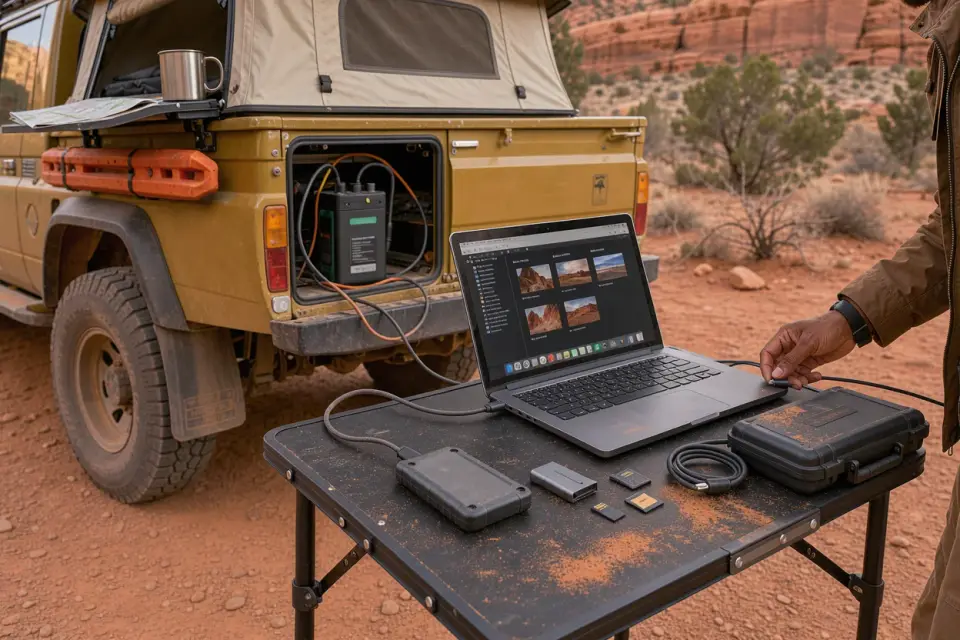
Mechanical Durability and Form Factor govern how well hardware withstands continuous movement. Traditional spinning mechanical hard drives are notoriously prone to head crashes and mechanical failure when subjected to road vibration. Solid state drives (SSDs) and compact, low profile accessories survive bumpy tracks far better and pack away into padded storage boxes without consuming excessive cupboard volume.
Data Redundancy addresses backup protocols when operating beyond reliable cellular coverage. Ensure your chosen hardware accommodates dual local backups across multiple separate drives, avoiding complete reliance on cloud services that may be unreachable in remote locations.
Hypothetical Decision Example: Nomadic Creator vs Field Professional
Consider a hypothetical buyer, Alex, who runs a remote design consultancy from an off grid vehicle. Alex must choose between purchasing a high specification desktop PC tower paired with an inverter, or a high efficiency performance laptop accompanied by dual ruggedised external SSDs and a low draw secondary travel monitor.
If Alex chooses the desktop setup, processing speed may be exceptional, but the system will draw continuous high wattage through an inverter, generate significant ambient heat inside the van, and suffer risk of internal expansion cards loosening on rough corrugated tracks.
By contrast, selecting the portable laptop and solid state peripherals provides built in battery buffering against sudden power drops, permits charging via direct 12V vehicle converters, and allows the entire setup to be packed safely into a protective case while in transit. For mobile living, the operational resilience and energy savings of the portable setup almost always outweigh the peak benchmark speeds of a static workstation.
Key Inquiries to Make Before Purchasing Computer Hardware
Before ordering components or laptops from any specialist IT merchant, it is prudent to establish clear expectations regarding suitability and post purchase support.
Ask the retailer about replacement dispatch timeframes if you are travelling and need items sent to temporary collection points or postal depots. Inquire whether individual manufacturers uphold regional or international warranty cover if your hardware develops a fault while touring overseas.
Finally, check whether internal packaging and shipping standards accommodate fragile items such as monitors or computer components, especially when arranging delivery to rural or remote forwarding addresses.
Common questions
Can standard desktop computer components handle off road vibration?
Heavy components such as large graphics cards and air coolers exert leverage on motherboards and can crack circuit boards over rough ground. Laptops, mini PCs, or solidly braced small form factor builds with all solid state storage survive mobile vibrations far more reliably.
Why is USB C Power Delivery preferred for vehicle living?
USB C Power Delivery allows compatible laptops and monitors to draw power directly from dedicated 12V to USB C sockets. This circumvents the energy conversion losses and idling drain associated with operating an auxiliary mains inverter.
What type of data storage is safest for overland expeditions?
External solid state drives (SSDs) are strongly recommended over traditional spinning hard disk drives (HDDs). SSDs contain no moving internal parts, making them substantially more resilient to sudden drops, vehicle vibrations, and rough transit.
Do standard consumer hardware warranties cover use in campervans?
Most warranties cover hardware regardless of physical location, provided operating conditions remain within specified temperature and humidity ranges. However, check terms carefully, as exposure to extreme condensation or physical transit damage is universally excluded.
Partner discounts in this guide
Overland Finds may earn a commission from qualifying UK purchases made through this link, at no additional cost to you. This does not imply independent product testing or endorsement. Confirm current terms and availability with the partner.

IT Supplies · UK
Browse computers, laptops, components, storage and IT accessories from IT Supplies, handy for remote work and keeping your devices running on the road.
- Valid in
- UK
- Discount
- UK offer · Shop computers and IT hardware